
Are you wondering how to return an item from Nike’s online store? Perhaps you’re not satisfied with your purchase or it doesn’t fit quite right. Whatever the reason, returning a product from Nike is a relatively straightforward process. In this post, we’ll dive into the details of how Nike returns work, what you need to do to initiate a return, and what you can expect during the process.
What Are Nike’s Return Policies?
Before we get started with the return process, it’s essential to understand Nike’s return policies. According to their website, Nike offers free returns on most products for 30 days from the date of purchase. However, there are some exceptions and limitations to keep in mind.
- Defective products: If you receive a defective product, you’re eligible for a full refund or replacement, regardless of whether it’s within the 30-day return window.
- Worn or altered items: If an item shows signs of wear or has been altered in any way, Nike reserves the right to deny your return.
- Final sale items: Some products may be marked as “final sale,” which means they cannot be returned or exchanged.
Initiating a Return
To initiate a return, you’ll need to follow these steps:
- Log in to your account: Go to Nike’s website and log in to your account using the email address and password associated with your purchase.
- Find your order: Locate your order by clicking on “My Account” and selecting “Orders.” Find the specific order containing the item you want to return.
- Start a return: Click on “Return or Exchange Items” next to the relevant order, then select the items you wish to return.
- Choose a reason for return: You’ll be asked to select one of several reasons why you’re returning the product. This helps Nike improve their products and services.
- Print your return label: Once you’ve initiated the return process, Nike will provide a prepaid return shipping label via email.
Returning Your Item
Now that you have your return label, it’s time to send back the unwanted item:
- Pack your item: Carefully package the item in its original packaging, if possible.
- Attach the return label: Affix the return label to the outside of the package.
- Ship the item: Hand over the package to a carrier or schedule a pickup from your doorstep.
What Happens After You Send Your Item Back?
Once Nike receives your returned item, they’ll process it according to their return policies:
- Inspection and quality check: The returned item will be inspected for any signs of wear, alteration, or damage.
- Refund processing: If the item is in good condition and meets Nike’s return criteria, you can expect a refund within 5-7 business days after receiving your returned package.
- Credit card refunds: Refunds are typically issued back to the original credit card used for purchase.
Conclusion
Returning an item from Nike’s online store is a relatively straightforward process. By understanding their return policies and following the steps outlined above, you can initiate a return with confidence. Remember to keep in mind any exceptions or limitations, such as defective products, worn or altered items, and final sale items. With this guide, you’ll be well-equipped to handle any returns that come your way.
Additional Tips
- Always retain proof of shipping for your returned item.
- Keep an eye on your refund status through Nike’s website or your credit card statement.
- If you have questions about a specific return or experience issues with the process, don’t hesitate to reach out to Nike’s customer service team.
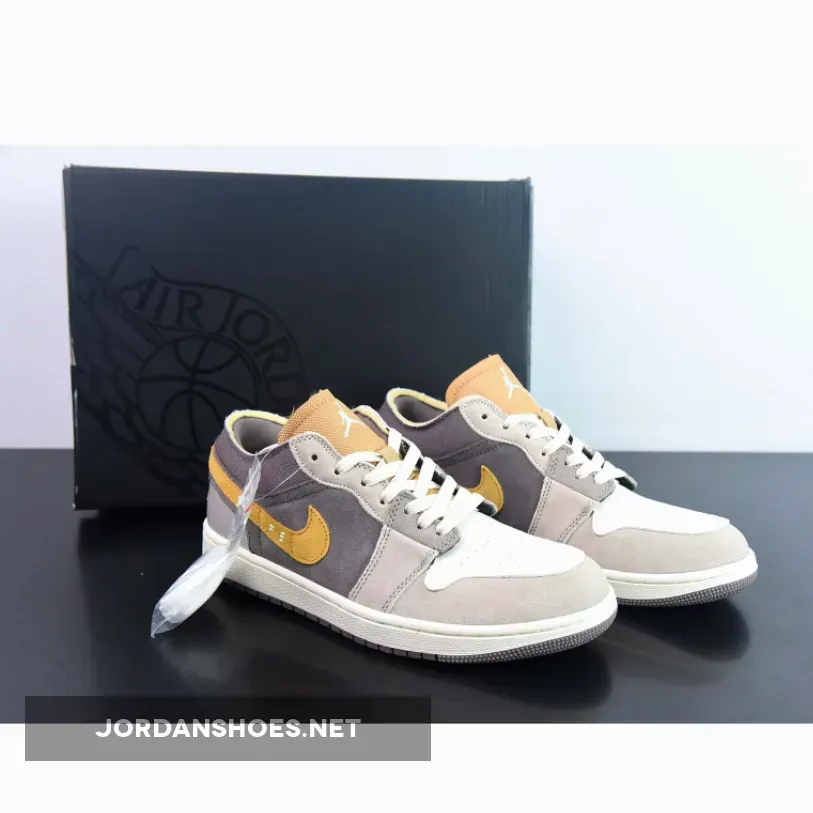 CLICK HERE TO Buy Jordan 1 Low SE Craft Taupe Haze DN1635-200 Restock